Quick Start
This is a quick install guide for Guardou. Once you've tried it, you might want to explore a more complex setup.
Requirements
- A system with at least 1 GB of RAM.
- Docker installed.
Setup
Step 1 - Download the necessary files
Create a new folder to hold the necessary files.
Download the most recent docker-compose.yaml into it.
Download the most recent example.env into it.
Step 2 - Populate custom values
Rename the example.env file to .env.
Set DATA_PATH to the location where your documents will be stored.
It should be a new directory on the server with enough free space.
The user and group the container runs as (PUID and PGID, default: 1000) must have write access to that directory.
Guardou is not a UI for the file system. It stores files in a specific folder structure that is not meant to be changed manually.
Step 3 - Start the container
From the folder you created in Step 1, run the following command to start Guardou:
docker compose up -d
Step 4 - Create the first user
Navigate to http://localhost:2286 and create the admin account.
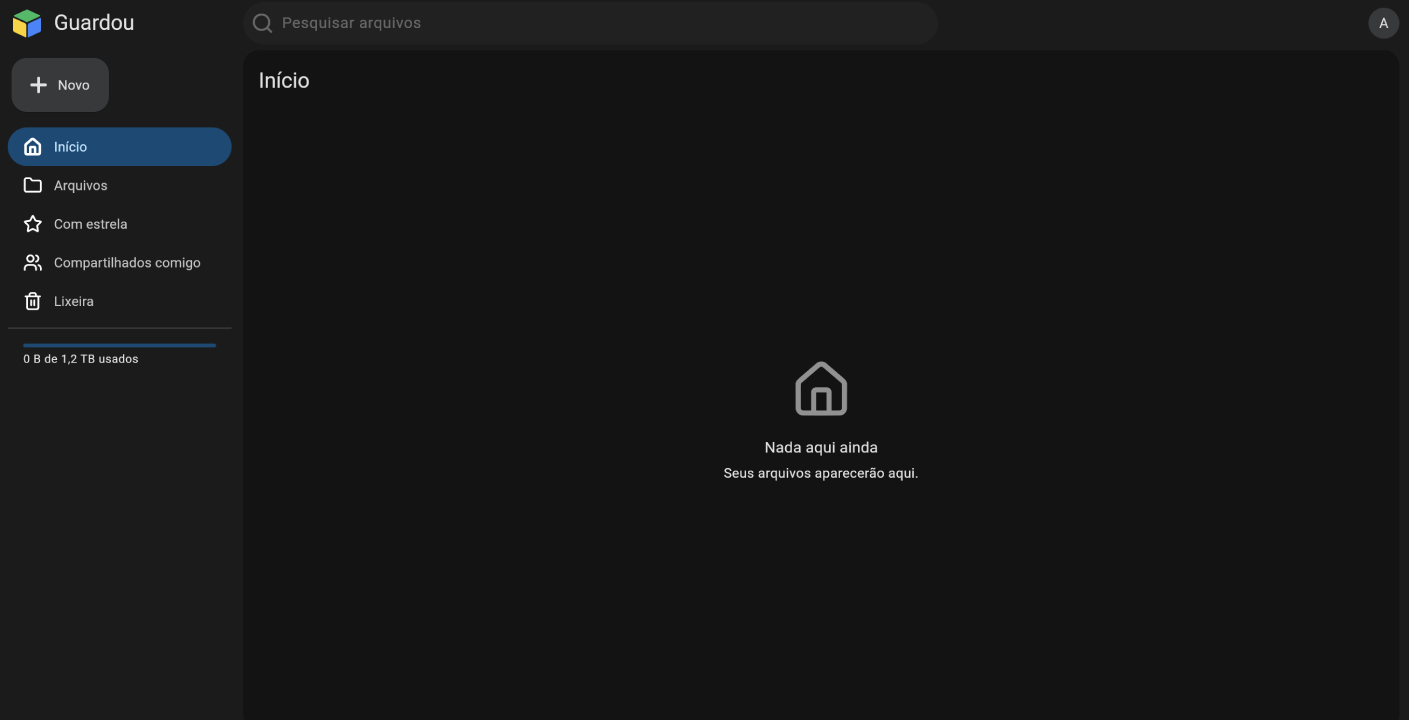
You should be redirected to the initial page.